your digital workforce
give the work.
see it move.
Builder DO gives the team work. The Office shows what is moving, what needs your yes, and what just finished. Save to Office accepts a plan only — it is not a running agent. Each DO also keeps its own to-do list (see below, or the tasks rollup). For a living family DO, install Household Floor, place the browser extension, and run the evening board.
To-do
Loading tasks…
To-do
Loading next tasks…
Make room
for good work.
A place to review, build and bring the proof together. Explore the studio, then open the work that needs you.
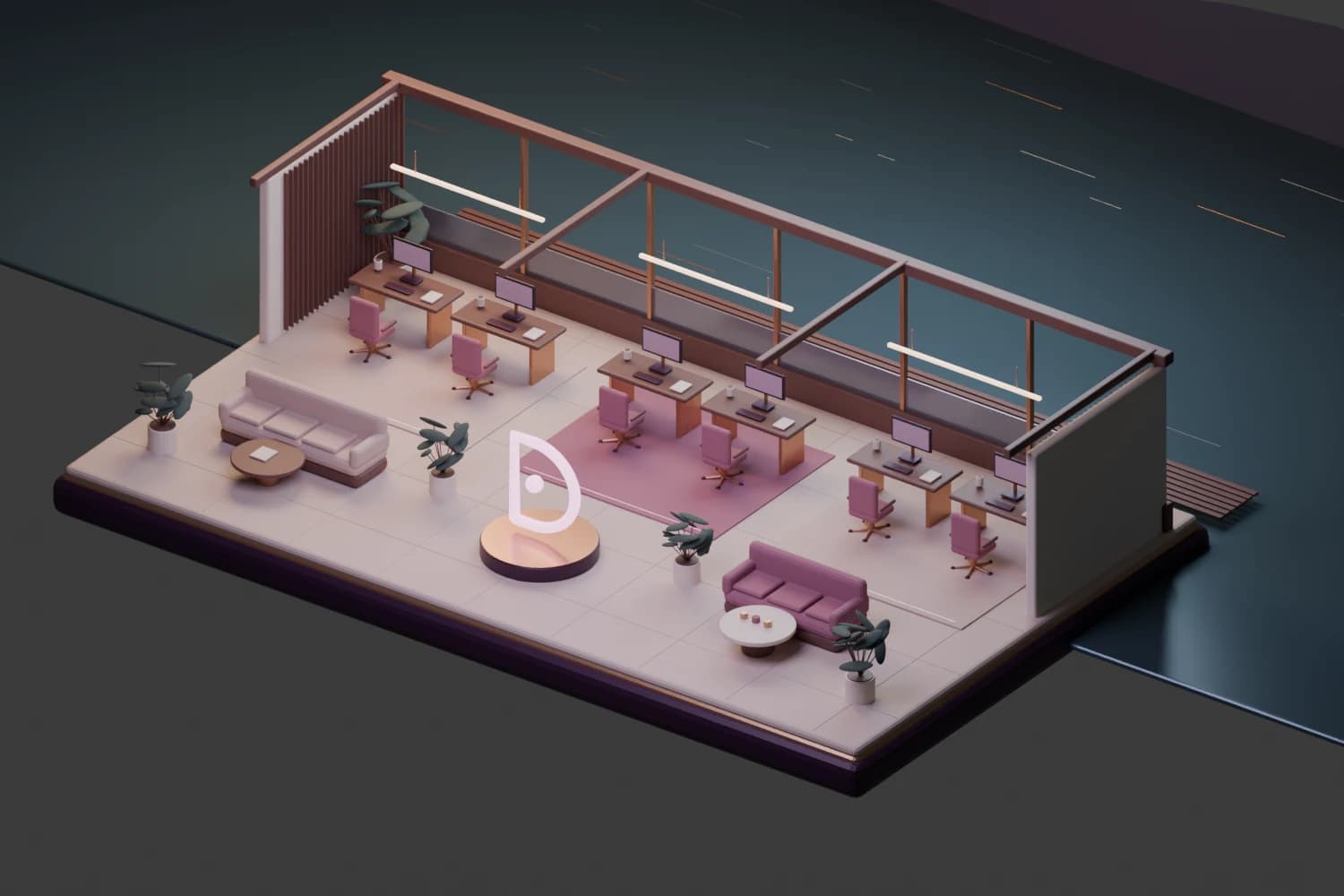
The room and board use the same Office state. This preview is not a connected team workspace. Download the editable Blender scene.
needs you
questions, approvals and blockers
No DOs in this state yet.
working
DOs preparing, watching or researching
No DOs in this state yet.
done
finished work with a receipt
No DOs in this state yet.
where this goes
personal · work · clients
The Office uses the same portable AgentSpec underneath the browser companion, Mac companion, voice and hosted DO. Builder DO is the software-factory specialist inside that workforce.
Connections give the workforce user-approved capabilities without handing raw credentials to an agent. Structured handoffs, usage rail and execution receipts are the next durable wiring steps — still projected from real state, never fabricated success.