One-off download · one business
The assembl Workforce kit
Set up your own assistant team in Claude. A plugin, a dashboard you build from your own website, and a playbook that walks you through it. You set it up yourself. There is no support after purchase.
Want it kept up to date, or something for the household? See the proposed monthly plans.
Price
NZ$100
One-off payment in New Zealand dollars.
Not live yet · checkout opens soon
Join the waitlistNo change-of-mind refunds. If the kit is faulty or won’t download, we’ll fix, replace or refund it. Your Consumer Guarantees Act rights are not affected.
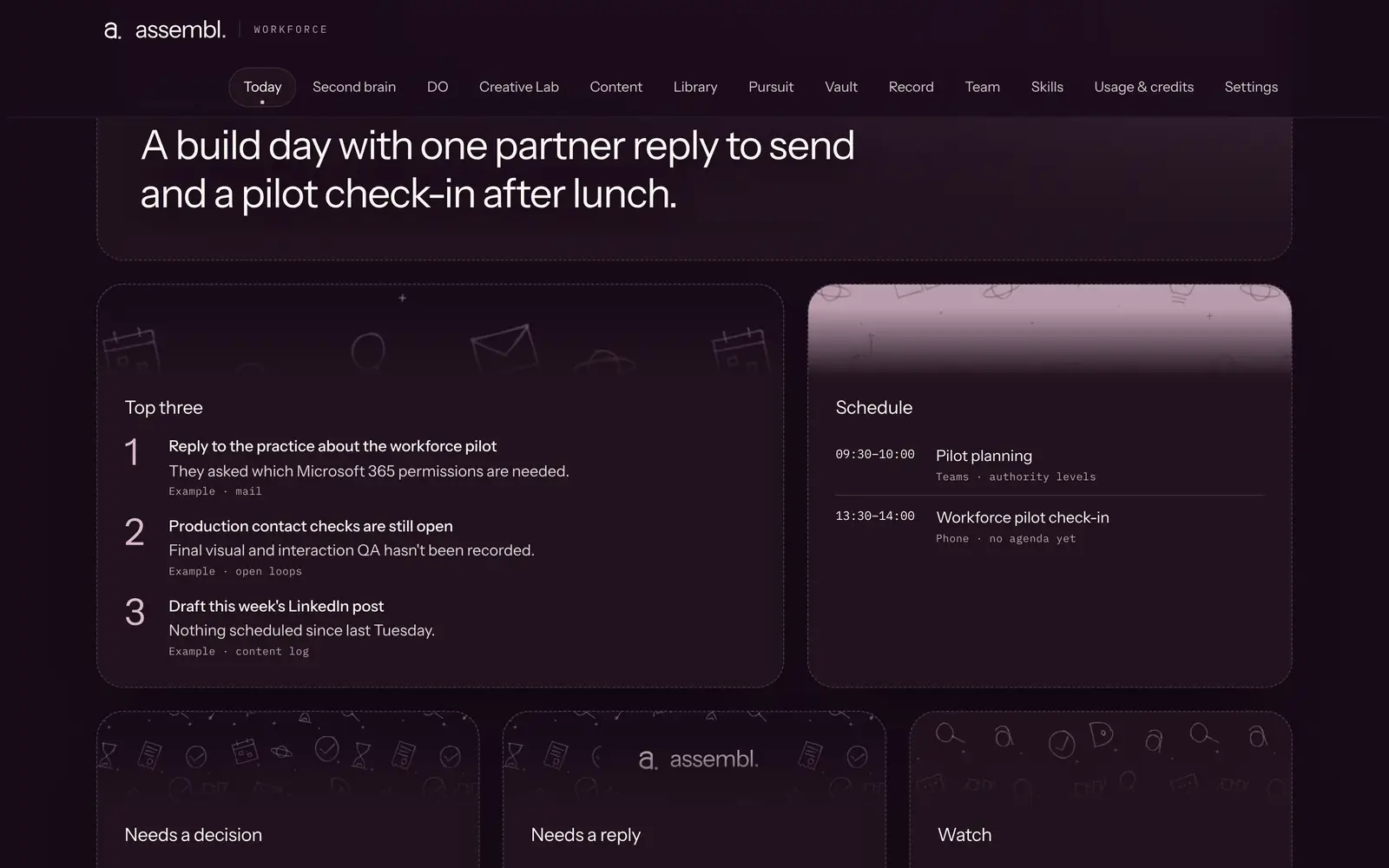
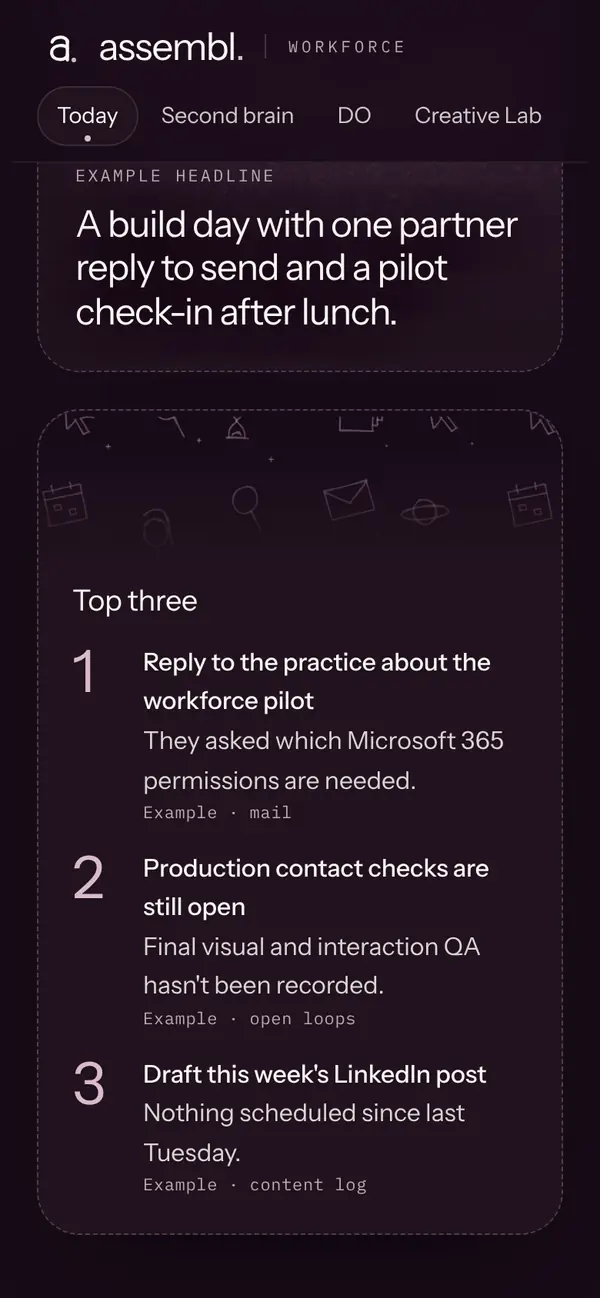
Example of the dashboard
- Claude plugin
- Dashboard template
- Setup playbook
- Five roles
- One business
- One-off download
What’s in the kit
Three parts, in one zip file.
Claude plugin
Five roles that work inside your own Claude account: a morning briefing, a second brain for your documents, an executive assistant, a content studio and a chief of staff that hands work to the others.
They prepare drafts. You review, approve and send.
Morning briefingSecond brainExecutive assistantContent studioChief of staffhands work to the othersDashboard template
One page to run the day from: the briefing, notes, plans and drafts together. You build it in Claude from your own website with the build scripts, so it uses your colours, typefaces and images.
Works on desktop and phone.
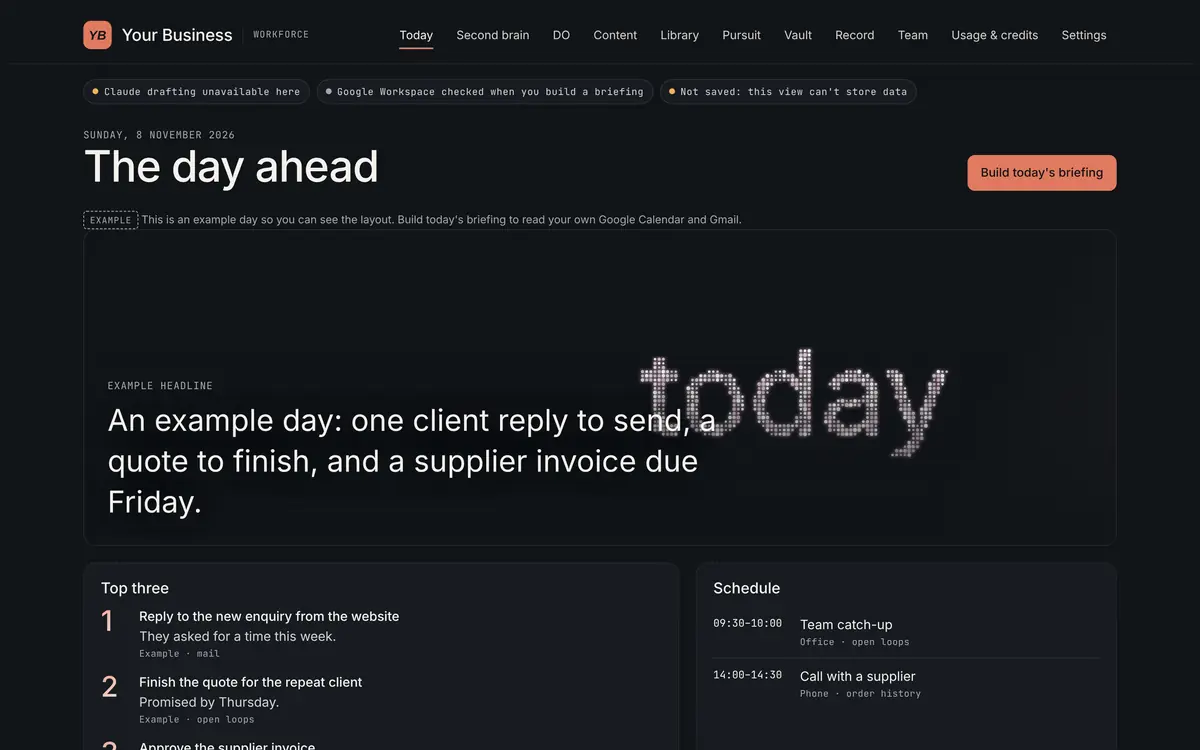
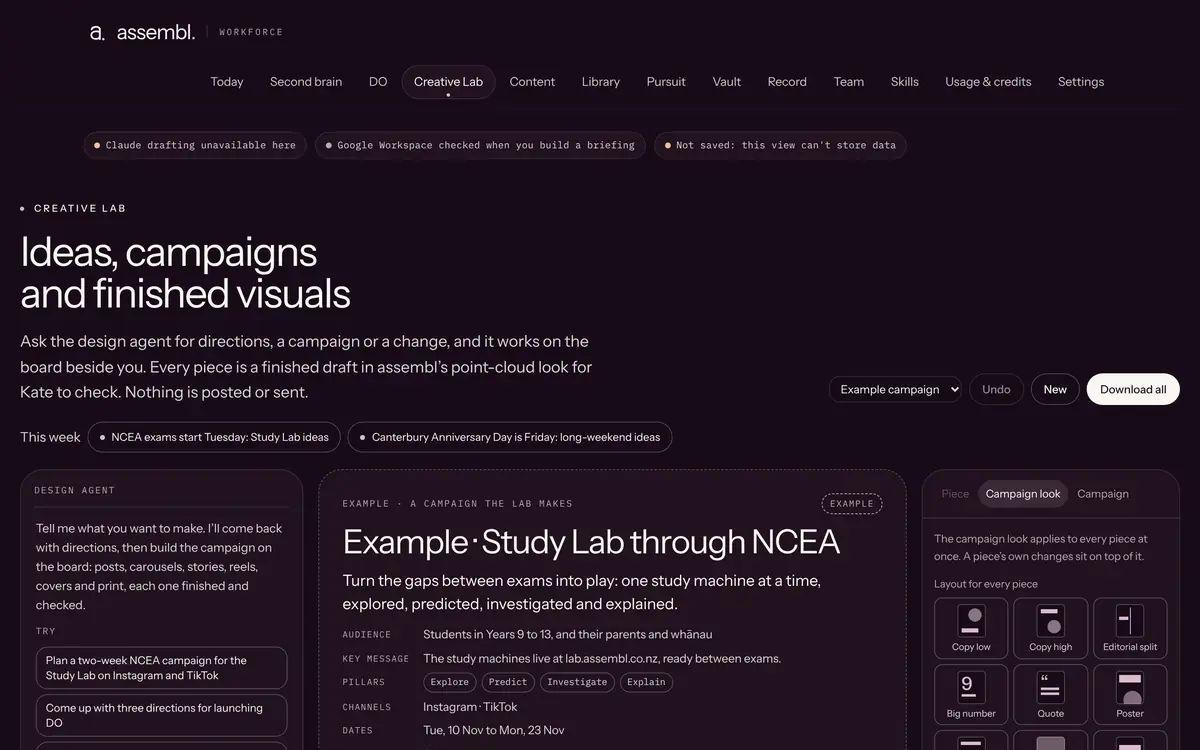
Example · assembl’s own colours Example · a fictional business
Setup playbook
Written, step-by-step instructions: install the plugin, connect your email and calendar, build the dashboard, set your approval rules and check the first week.
The playbook is the full set of instructions. There is no other support.
Setup playbook
- Install the plugin
- Connect your email and calendar
- Build the dashboard
- Set your approval rules
- Check the first week

How it works
You follow the playbook in your own Claude account. Four stages.
Install
Install the plugin in your own Claude account.
Connect
Connect your email and calendar with Claude’s Gmail and Google Calendar connectors, or its Microsoft 365 connector.
Build
Build the dashboard in Claude from your own website, so it uses your colours, typefaces and images.
Approve
Set your approval rules and check the first week. The roles prepare drafts. You review, approve and send.
Plans
The kit is a one-off download. The two monthly plans are proposed: tell us which you want and what to put in it.
One-off · Businesses
assembl Workforce kit
Not live yet · checkout opens once the terms are approved
NZ$100 one-off
A one-off download for one business: the Claude plugin, the dashboard template and the setup playbook. You set it up yourself.
- Claude plugin with five roles
- Dashboard template you build from your own website
- Setup playbook
- A licence to use the kit in one business
The kit licence and terms (currently a draft): self-serve, no support, no updates.
Monthly · Households
DO Home
Proposed · waitlist only
NZ$8 a month
or NZ$80 a year (2 months free)
A monthly plan for households: DO keeps the family’s life admin, bills, school notices and meals in one place.
- DO for your household, hosted by assembl
- School terms, public holidays and IRD dates kept up to date. Add your council’s rates dates once.
- Add the household modules you want
Not open yet. Join the waitlist: you can’t buy this plan today and nothing is charged.
Needs its own terms before it opens. The kit terms do not cover a monthly plan.
Monthly · Businesses
Workforce plan
Proposed · waitlist only
NZ$20 a month
or NZ$200 a year (2 months free)
A monthly plan for businesses: live New Zealand signals for your industry, and updates as rules and dates change.
- Updates: new NZ watch dates and rule changes added as they happen
- Add the business modules you want
- NZ signals radar: Live · in assembl’s own Pursuit; partial, some feeds are being repaired
Not open yet. Join the waitlist: you can’t buy this plan today and nothing is charged.
Needs its own terms before it opens. The kit terms do not cover a monthly plan or updates.
Proposed · Any 3 modules: pay for 2 Any 3 modules: pay for 2. The cheapest of every three priced modules you pick is free.
Who it’s for
- Owners of small businesses and practices who want an assistant team in Claude.
- People comfortable installing software and following written steps on their own.
- Not for you if you want someone to set it up. A setup service is Proposed · not available yet
What you need
- A paid Claude plan. Claude is Anthropic’s product, billed by Anthropic, and is not included in the price.
- Claude’s Gmail and Google Calendar connectors, or its Microsoft 365 connector, on the account you use for work.
- Your business website, for the dashboard’s colours, typefaces and images.
Not live yet · Microsoft 365 The Microsoft 365 setup has not yet been tested against a live Microsoft 365 account.
No support after purchase
The price is for the files and the written instructions. Nothing else.
What that means
- No setup help, calls or screen shares.
- No answers to setup questions by email or message.
- No troubleshooting for Claude, Google, Microsoft or your computer.
- No changes made for your business.
What is included
- The plugin, the dashboard template and the setup playbook.
- A download link emailed to you, valid for 7 days.
- A new link if yours expires before you download, when you ask from the email you bought with.
- A fix, replacement or refund if the kit is faulty or won’t download.
- No updates or new versions. You get version 1 as it is on the day you buy.
Licence: one business
You agree to the full licence and terms before you pay.
Draft · terms version 2026-11-07-draft
The licence in brief
- Use the kit in one business, including its staff and contractors working for that business.
- Change it as much as you like for that business.
- Don’t resell, share, give away, sublicense or publish the kit or a changed version of it, or use it to build for other businesses.
- It runs in your own Claude account and connects to your own Microsoft 365 or Google Workspace. assembl can’t see your data.
- It drafts. Anything you send or act on is your decision; check its output before you rely on it.
- No change-of-mind refunds. If the kit is faulty or won’t download, we’ll fix, replace or refund it. Your Consumer Guarantees Act rights are not affected.
Read the full licence and terms · last updated 7 November 2026
Build your plan and join the waitlist
Pick a plan, tick the modules you want and tell us who you are. Nothing is charged and no account is created.
Questions? Read this page first. For anything else, contact assembl.